I was thirty seconds away from disabling my own security system when the AI asked me one question.
I'd just spent half an hour with Claude Code (the AI assistant inside the Claude Desktop app) auditing my home Wi-Fi router. We'd found a handful of things that needed fixing, and the biggest one was obvious: change my Wi-Fi password from the factory default.
Easy. One field, click save, done.
Before I clicked, the AI asked: "What other devices are connected to this Wi-Fi besides your phone and laptop?"
I started to type "nothing" — and froze.
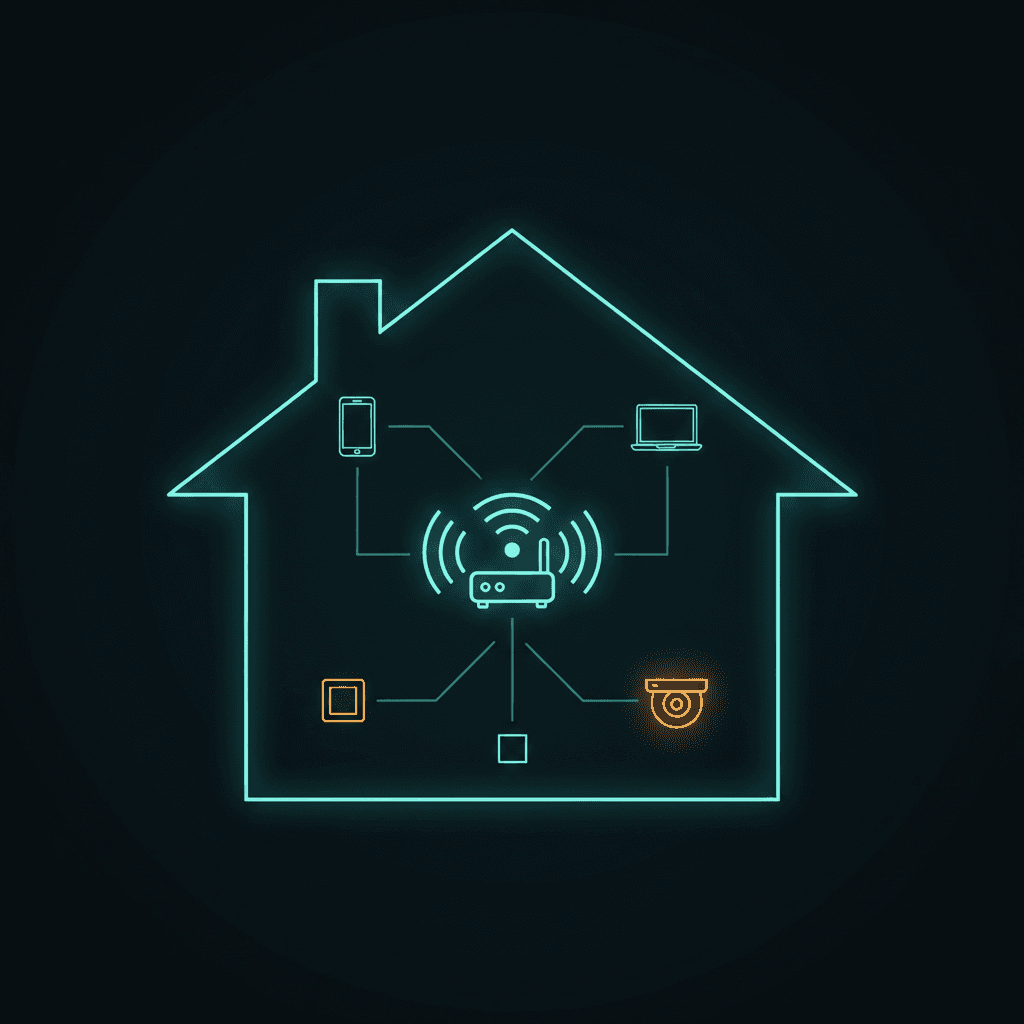
I have a home security system. It connects through this exact Wi-Fi. Two panels, one at the front door, one at the back. Plus the motion sensors on every floor and entry sensors on every door and window.
If I'd changed the password without updating the panels first, my security system would have gone offline. I would have noticed an hour later, with no idea why.
That's the moment I realized this project was going to be different.
What I was actually doing
When was the last time you logged into your home Wi-Fi router?
Not your phone's Wi-Fi settings. Not a Netflix account. The actual router — the box your internet company gave you, blasting Wi-Fi into every corner of your home, your neighbour's home, and probably your driveway.
If your answer is "I have no idea" or "never," you're not alone. Most of us treat the router like a smoke detector: lives on a shelf, has blinking lights, we assume someone smarter than us configured it correctly at some point.
Last weekend I decided to find out what was actually going on inside mine. I didn't open a manual. I didn't watch a tutorial. I asked Claude Code to walk me through it.
The whole prompt was:
"Help me audit my home router for security. I want to make sure it's locked down, up to date, and that anything I don't actually use is turned off."
That was it. No technical jargon, no model number. I sent a photo of the back of the unit and Claude Code figured out the rest.
What followed was, frankly, more eye-opening than I expected.
The first thing AI taught me
Before I could even open the router's settings page, I hit a wall: the page wouldn't load.
Claude Code spotted why immediately. I had a VPN running.
Here's the thing nobody explains in beginner guides: your home router doesn't live on the public internet — it lives on your local network. When a VPN is on, all your traffic gets routed through a server in another city. Your laptop is technically "in another country," and from there it can't see the box that's three feet away.
One click — VPN off — and the router page loaded. I'd been a Wi-Fi user for two decades and never put that puzzle piece together.
What we found, and what I did about it
My Wi-Fi password was still the factory default
You know the password printed on the sticker on the back of your router? Mine was still that one. I'd never changed it.
That password is a long string of random characters, so on the surface it looks strong. But the same string is printed in a manual that's published online, and was visible to anyone who'd ever looked at the back of my router — visitors, repair people, friends, the cable installer ten years ago.
What I did: generated a fresh random password in my password manager and put it on the router.
What it cost: every Wi-Fi device in the house had to be reconnected. Both security panels. The outdoor camera. My phones. About 8 minutes of legwork — but the AI made me list every device before I clicked save, so I knew the full route in advance. Without that, I'd have found out one device at a time over the next week.
UPnP was on, and it shouldn't have been
UPnP — Universal Plug and Play — lets devices on your home network silently open holes in your firewall to the internet. The pitch is convenience: your TV or console can "just work" without you knowing what a port forward is. The reality is that any malware that lands on one of your devices can use UPnP the same way, opening doors for an attacker without anyone noticing.
For my setup — phones, a laptop, security panels that talk outbound to their cloud — UPnP wasn't doing anything useful. It was just attack surface.
What I did: switched it off in the firewall settings.
What it cost: nothing visible. None of my devices missed it.
WPS was on (and yes, that's a thing too)
WPS — the "easy connect" feature where you push a button on the router and a button on a device to pair them — has a famous bug. The PIN-entry version of it lets attackers brute-force their way onto your network in hours.
I'm an engineer and I didn't know any of this until the AI walked me through it. Most "router security" advice is written for IT pros and assumes you already know what WPS is. Plain-English was a real gift.
What I did: turned WPS off on both Wi-Fi bands.
What it cost: nothing. If I ever buy an old printer that only connects via WPS I might need it back. Most modern devices don't.
My router's firmware was over five years out of date
This was the big one. The modem's "upgrade history" screen told me:
- Last firmware update: March 2021
- Today: May 2026
Five years and two months without a single security patch. My internet provider hasn't formally abandoned the model, but they've moved on to newer hardware and the updates have stopped coming.
What I did: not a software fix — I picked up the phone and called my ISP. Most providers will swap you to a current-generation modem at no charge if you ask, especially when your existing one is past its support life.
What it cost: a phone call. The new unit ships in a few days.
Why this is a great first AI project
Total time: about 30 minutes.
Cost: zero.
Technical knowledge required: none.
When people ask me what AI is actually useful for, the typical answers — write me an email, help me with a recipe — are fine. They're also forgettable.
This was different because it had a real outcome. My home network is more secure than it was last week, and I have an action item on a free modem upgrade I never would have known to ask for.
The thing AI did that a search engine can't: it asked the right question before I clicked the wrong button. That's the alarm-freeze moment at the start of this post. Search engines hand you a how-to. AI handles the parts of the how-to you didn't think to mention.
Want to try this on yours?
Here's a starter prompt:
"I want to audit my home Wi-Fi router for security. Walk me through it step by step. Make sure it's locked down, that anything I don't actually use is disabled, and that I'm running the latest firmware. Flag anything you think is a security issue and tell me what I should do. Assume I'm not technical."
Take a photo of the back of your router, send it with the prompt, and you're off.
If anything specific surprises you — or if you find your modem hasn't had a firmware update since 2021 either — let me know. I'd love to hear what other people uncover.
This is the first in a series about practical, everyday uses for AI for people who haven't used it much. Next up: the second router in my house.
Working on an AI project of your own — at home or at work — and want a second opinion? Helping people think through AI projects is what I do. Get in touch.